

Cloud-Based Student Information System
Manage your students’ entire education journey in one place. From application to alumni, built for compliance, integration, and the modern campus.
Simplify administration. Amplify productivity.
ajourney.SIS unifies student data, giving registrars, finance, and facilities access to a single source of truth. No more spreadsheets, no more siloed systems, no more manual reconciliation.
One Source of Truth
Bring student, academic, and financial data into one connected system. Reduce duplication, improve visibility, and give your teams a clearer 360-degree view of every learner.
Automated Workflows
Reduce manual administration with paperless processes, automated workflows, and built-in communication tools that help your teams work faster and more efficiently.
Self-Service Student Portal
Empower students to manage profiles, payments, registrations, documents, and communication history through a mobile-responsive portal that reduces pressure on administration.
Adaptive Learning Delivery
Support degrees, certificates, short courses, workshops, and corporate training with flexible course sales, payment options, and delivery models that adapt to your institution's needs.
Integrations that fit your ecosystem
Powerful integrations help unlock automation and deeper analytics across your institution. ajourney.SIS integrates in real time with leading LMS platforms to connect your learning and administration environments, automating course creation, enrolment, profile syncing, grades, attendance, and more. It also connects with payment gateways, finance and CRM systems, messaging services, digital certification tools, and custom workflows through API services and webhooks.
Canvas LMS • ajourney LMS • Brightspace D2L • Xero • Zoho • Paygate • PayPal • API & Webhooks • Paystack • Payfast • Moment • SMS • WhatsApp
Everything you need for student administration
Integrated modules that cover the full student lifecycle, from application to alumni records.
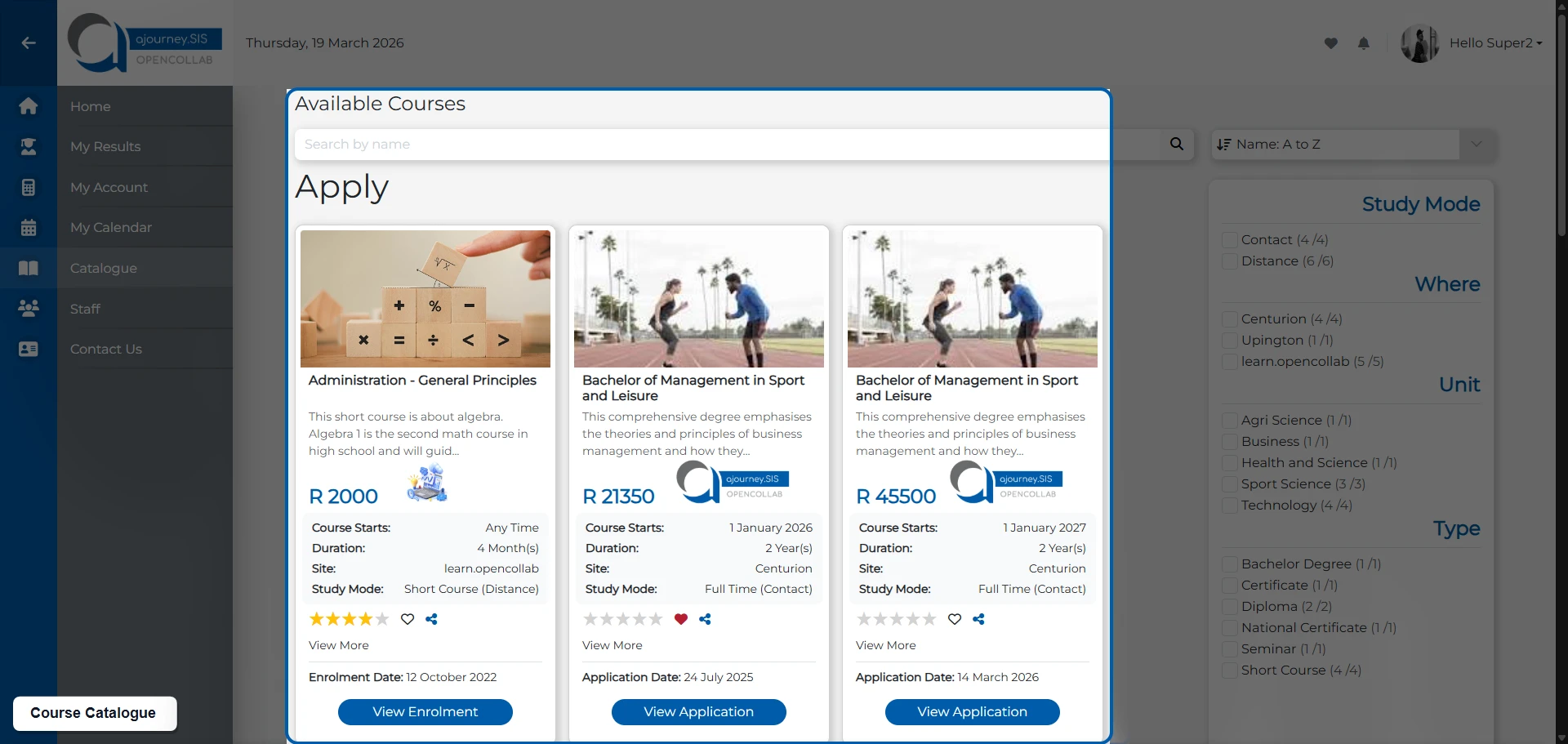
Curriculum Structure and Intake Planning
- Define locations, departments, faculties, and online offering units
- Manage programmes, courses, bundles, and study levels in one place
- Support fixed cohorts or rolling enrollments across multiple intakes
- Configure prerequisites, fee structures, and payment plans
- Automatically provision course intakes to your integrated LMS
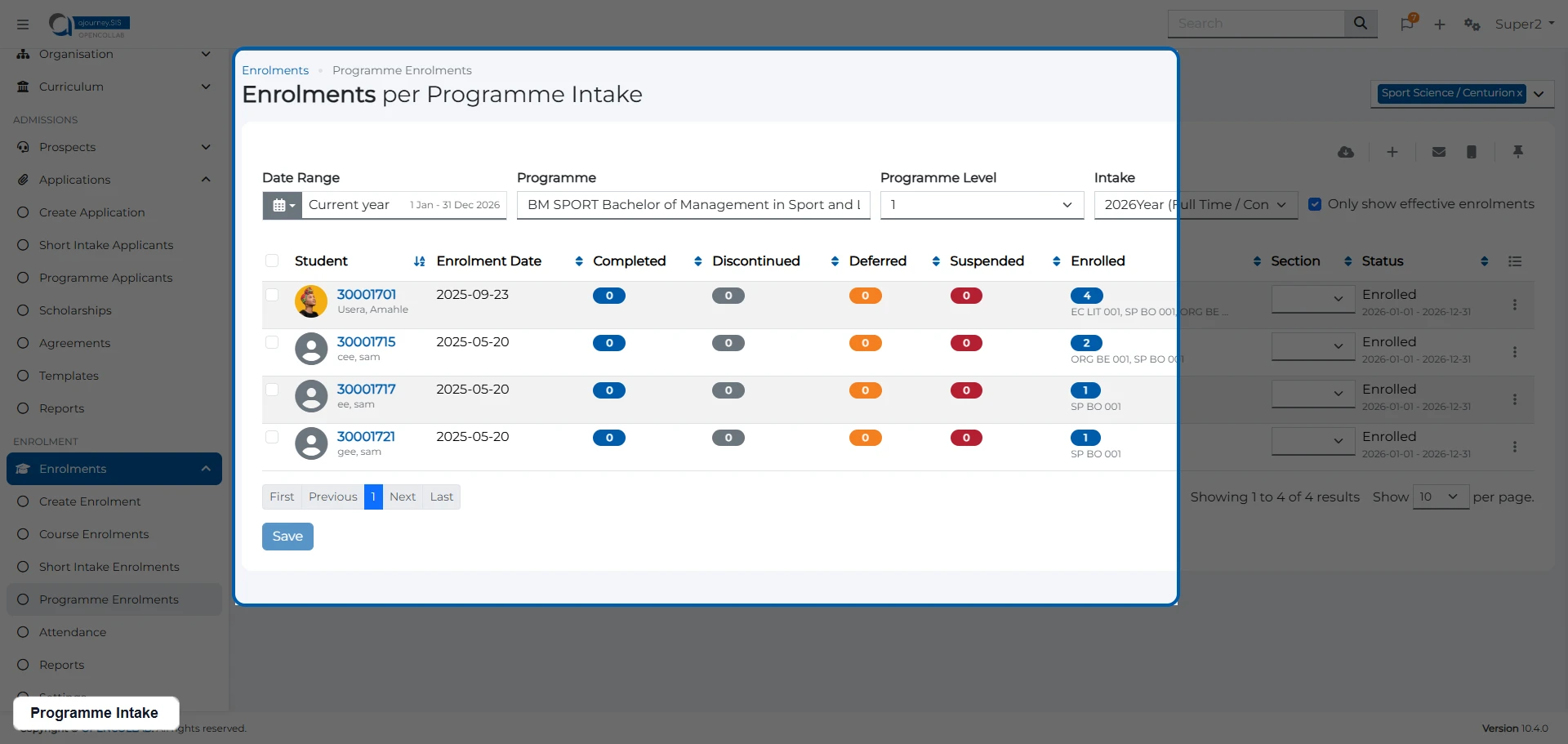
Admissions and Enrolment
- Create custom application forms by intake, course type, or department
- Manage required documents and track incomplete applications
- Use automated vetting alongside manual review where needed
- Enable self-registration or create enrollments administratively
- Automatically enrol students into your integrated LMS upon registration
Student Self-Service Portal
- Update profile details, images, and editable fields, with optional OTP verification
- View current enrollments, complete in-progress applications, and request deferments
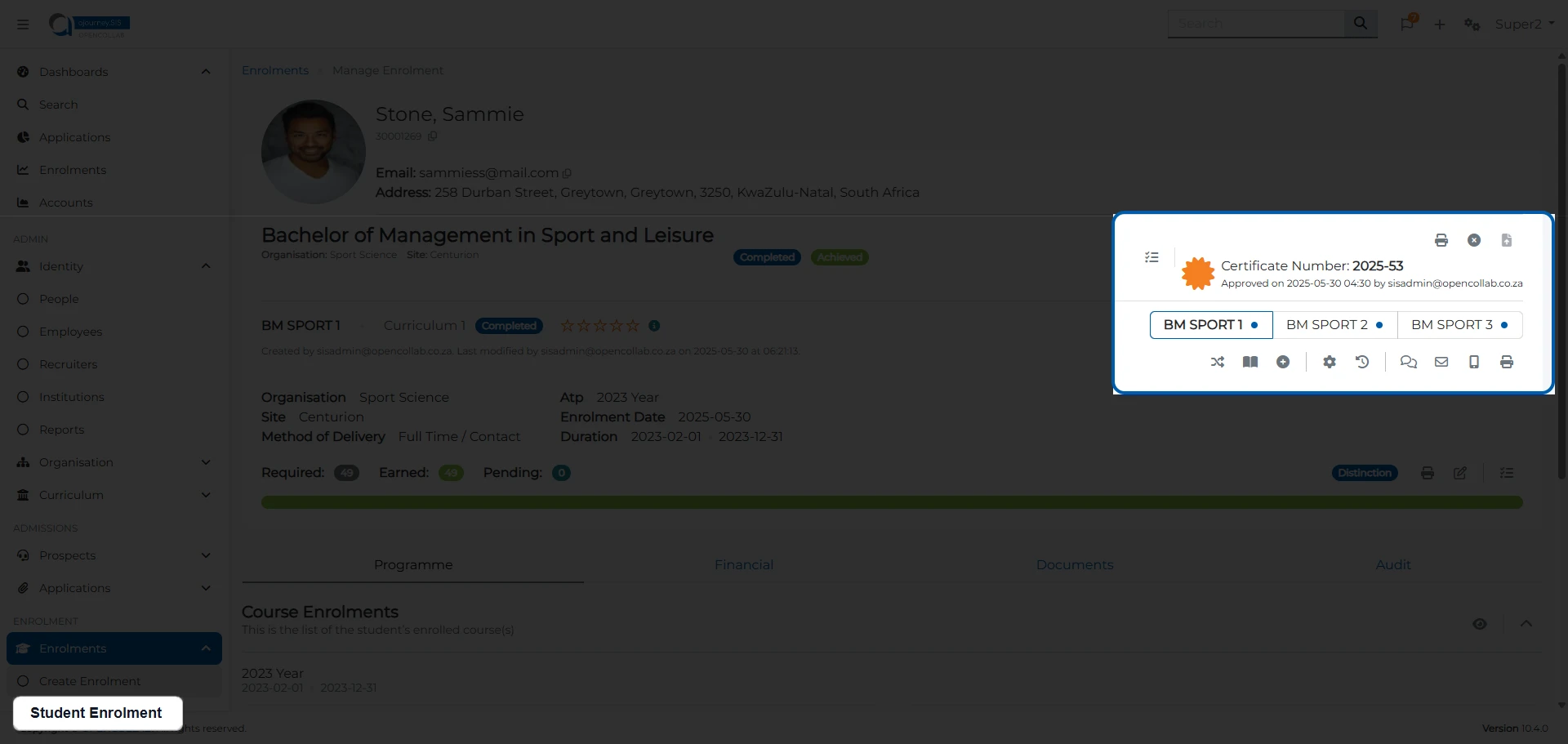
- Check results and download or request official certificates
- View balances, invoices, receipts, and pay outstanding fees online
- Access communication history and uploaded documents from any device
Academic Records, Results and Attendance
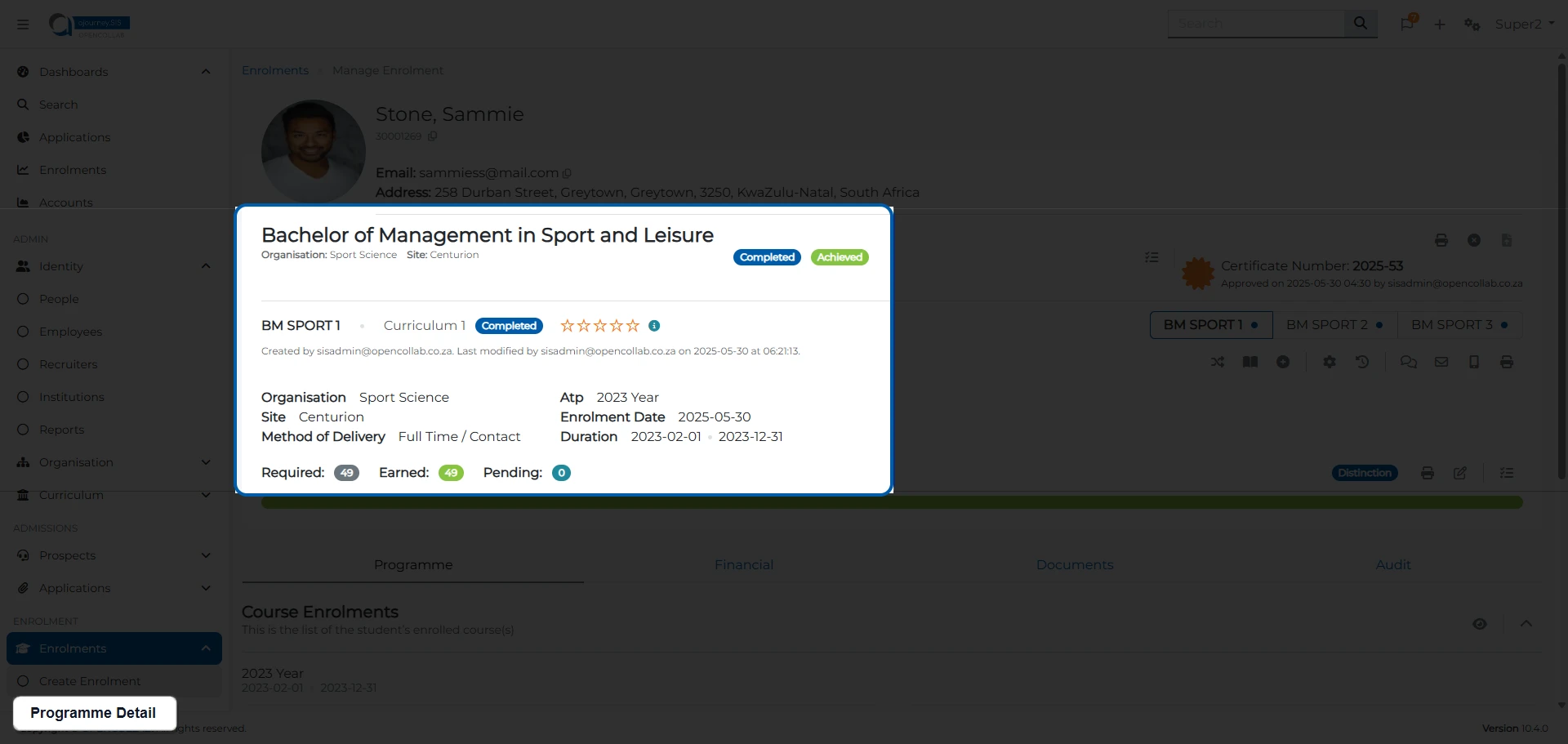
- View key student indicators to support queries and day-to-day administration
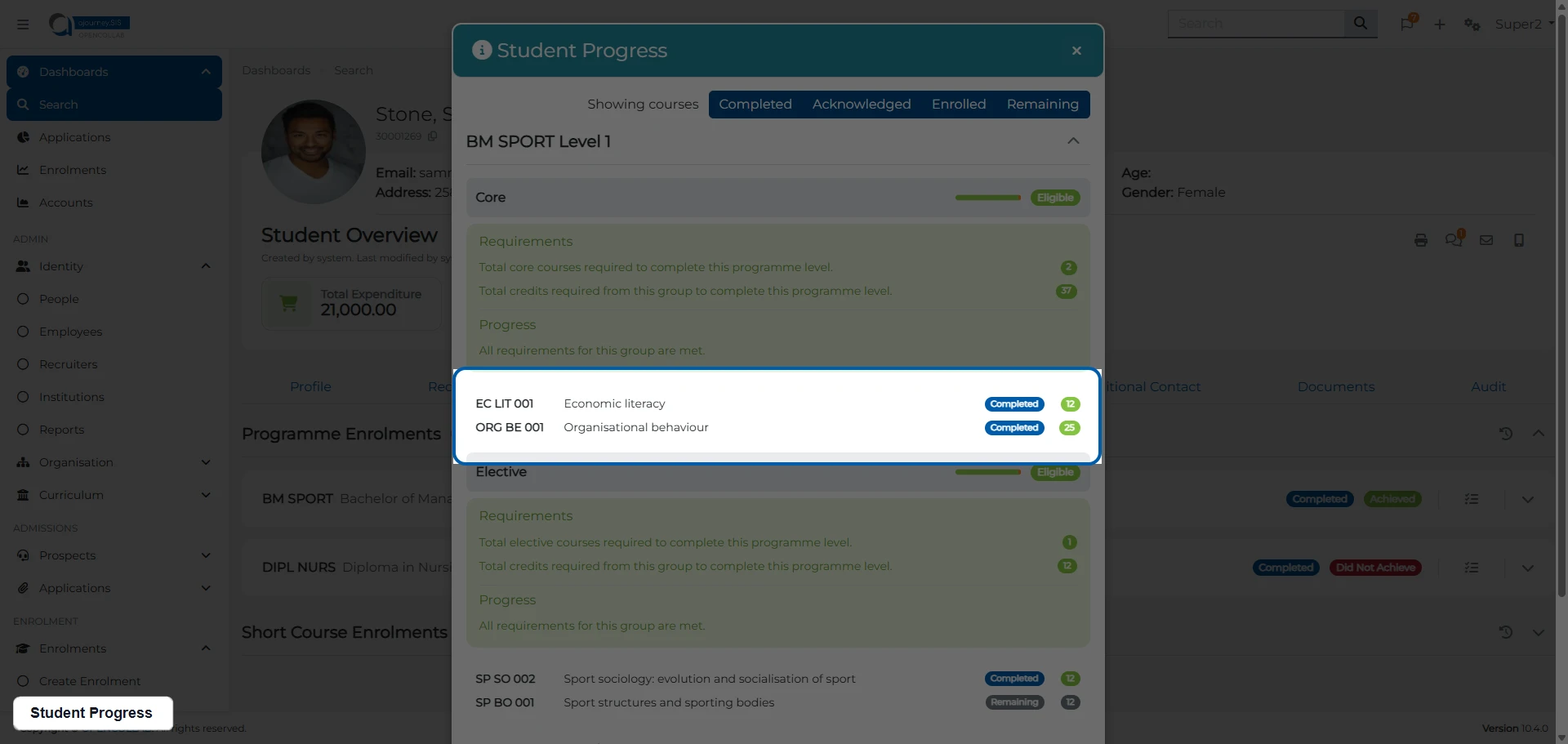
- Manage results across assessments, courses, bundles, and programmes
- Sync with LMS gradebooks to import assessment and course grades
- Generate transcripts, graduation certificates, and final award outcomes
- Build clash-aware timetables and capture attendance through the faculty portal
Student Finance and Agreements
- Manage currency-specific student accounts, including sub-accounts
- Process payments, receipts, invoices, and manual transactions
- Send statements to primary account holders or co-debtors
- Set up third-party training agreements and upload supporting documents
- Bulk upload agreement students or let them complete onboarding through a self-service URL
Reports and Analytics
- Generate self-service reports with configurable output columns
- Access dashboards for applications, enrolments, finance, curriculum, and student profiles
- Produce student progress reports, transcripts, and graduation eligibility reports
- Monitor dashboard alerts for items that need attention, such as incomplete applications
- Download HEQCIS/NLRD-ready exports for relevant regulatory submissions
Communication and Automated Notifications
- Send SMS, email, and WhatsApp messages to individuals or groups
- Build custom communication and document templates with conditional logic
- Attach formal documents to emails, including password-protected PDFs
- Trigger automated notifications for applications, registrations, payments, and completions
- Keep communication logs for easier support, follow-up, and audit visibility
Secure cloud hosting built for scale
Reduce internal IT overhead with managed cloud infrastructure, strong security, and dependable uptime.
Managed cloud infrastructure
Our product, support, and technical teams use modern cloud technologies to deliver faster deployment and a dependable hosting environment. Choose between South African and European data centres, supported by privacy-compliant infrastructure partners.
Availability and scale
Scale on demand as your institution grows. Our cloud environment is built for high availability, with a 99.9% uptime target and automated infrastructure monitoring running 24/7.
Security and risk reduction
Reduce operational risk with a cloud-hosted environment designed for resilience and protection. Disaster recovery measures and cyber security controls help keep your platform available and your data secure.
How ajourney.SIS compares
See why institutions choose a purpose-built SIS with guided implementation, managed hosting, and responsive support.
Recommended
3 reasons education institutions switch to ajourney.SIS
Compliance-ready reporting: HEQCIS/NLRD export support
Generate HEQCIS/NLRD-ready export files for relevant regulatory submissions. Built-in reporting helps reduce manual compliance work and gives admin teams easier access to the data they need.
Mobile-first student portal: Students can register and view results from any device
Students can register for courses, view timetables, check results, and manage their accounts from their phones, tablets, or computers. No need to queue at admin offices or wait for office hours. Everything they need is accessible 24/7.
Cloud scalability: Supports peak registration periods
During busy times like registration week or results release, cloud infrastructure can scale to support increased concurrent users. Students experience fewer delays, and your staff can focus on helping people instead of managing technical problems.
Implementation in 4 clear steps
You’ll always know what happens next, who owns it, and how risks are managed.
Step 1
Step 1: Discovery & Readiness
Align stakeholders, clarify scope, identify constraints, and confirm success measures.
Step 2
Step 2: Rollout Plan & Governance
Define a phased or big-bang implementation plan with decision points, timelines, responsibilities, and risk mitigation.
Step 3
Step 3: Configuration & Integration
Business rule mapping. Prepare and migrate data, configure workflows, and integrate with LMS, other ERPs and services.
Step 4
Step 4: Training, Adoption & Support
Role-based training for all staff, change management support, and ongoing enablement to ensure the platform is used effectively.
Frequently Asked Questions
Common questions from procurement and IT leadership.
Can ajourney.SIS integrate with our existing LMS?
It integrates natively with ajourney.LMS, Canvas, Brightspace and Moodle vanilla, ensuring data flows automatically between systems. Courses, Student profiles, enrolments and results are all synchronised.
How long does implementation take?
Typically 6-12 weeks for a single phase implementation depending on data migration complexity and institutional readiness. For phased implementations, typically 6-12 months or more depending on phase requirements and academic cycles. Our 4-step implementation methodology ensures a phased, safe rollout with clear milestones.
What about data migration from our current system?
We handle data migration of current and historical data with upload templates which includes:
- Organisation data
- Curriculum data (Programmes, Courses and Academic Time Periods)
- Student/User data
- Applications
- Registrations/enrolments
- Student Accounts
- Results
The Client captures and provides the data in template CSV/Excel-type files provided by OPENCOLLAB for upload. A test upload provides an error file which the client uses to fix errors. 3 test attempts per pricing package included.
Is our student data safe?
The platform is GDPR-aligned (Europe data center), POPIA-aligned (SA data center) with role-based access controls, audit logging, and encrypted data in transit. We can provide our security and privacy documentation during procurement.
Can the system handle peak registration periods?
Absolutely. Our cloud infrastructure is deployed according to your size and peak traffic needs. Cluster and failover environments are deployed for higher tiers.
Do you offer training for our staff?
Training is a core deliverable, not an optional add-on. We provide role-based training for admissions, registrars, finance and academic heads plus ongoing enablement resources.